For the reel savers
Every recipe you've ever saved on TikTok or Instagram, finally in one place — organised, searchable, and laid out step by step instead of buried in a caption.
Import from anywhereTikTok · Instagram · YouTube · web
Save recipes from TikTok, Instagram, Pinterest, YouTube, Facebook — then cook them step by step, without scrolling back.
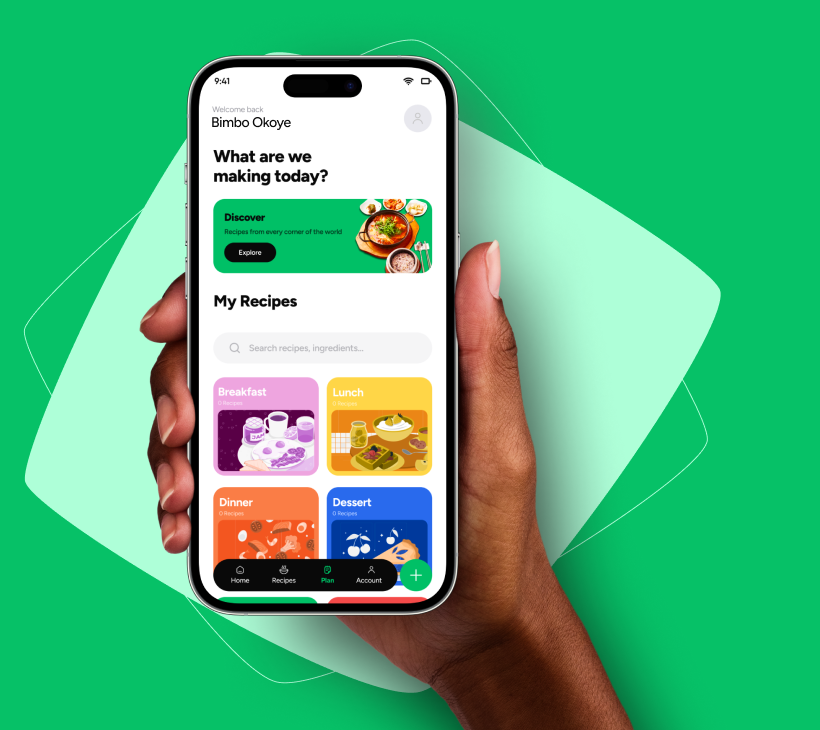
They're in your gallery, your saved reels, a WhatsApp thread from your aunt. By the time you're hungry, finding one is more work than ordering out.
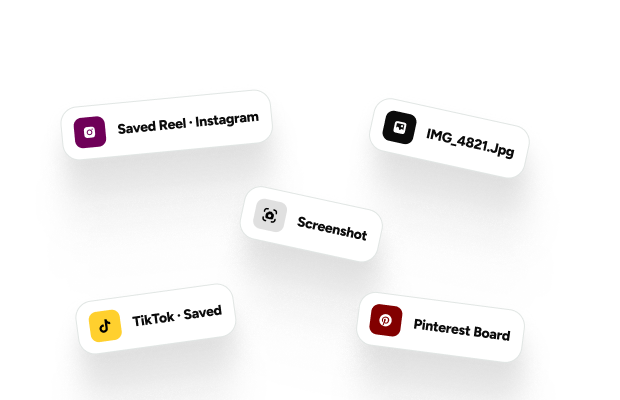
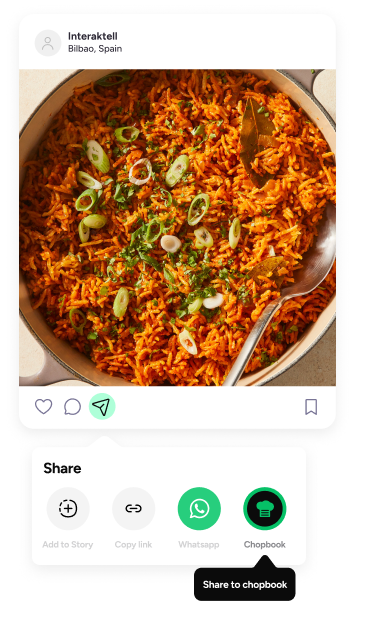
Share a TikTok, an Instagram reel, a YouTube video, or a blog link straight into Chopbook. It reads the recipe and lays it out properly — ingredients, quantities, steps.
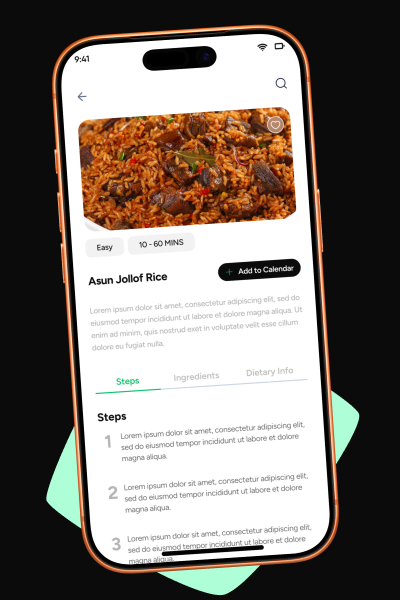
One step at a time, in big type, screen stays awake, hands stay clean. Two pots at once when your soup and your swallow need to land together.
Turn saved recipes into a weekly plan, and the plan into one grocery list, grouped the way you actually shop.
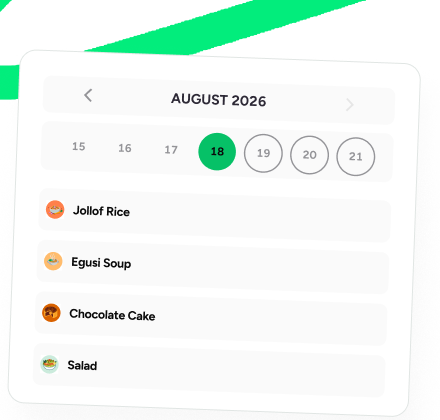
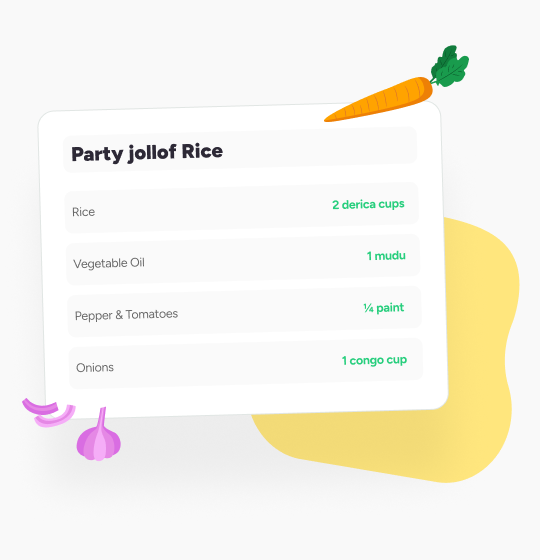
Local measurements, local ingredients, and swallow-and-soup pairings that other recipe apps can't handle. Jollof to efo riro, in the units you already use.
Built for real kitchens across Nigeria and Africa
Every recipe you've ever saved on TikTok or Instagram, finally in one place — organised, searchable, and laid out step by step instead of buried in a caption.
Plan the week on a calendar, and Chopbook turns it into one grocery list grouped by recipe — so one market run covers everything you're cooking.
Cook Mode keeps the screen awake and shows one big step at a time — with timers — so your hands stay on the pots, not scrolling a phone.
Start with everything you need to save and cook.
Upgrade when you want the app to do the work for you.
Cancel anytime, right from your phone.
Quick answers to the questions cooks ask us most. Something else on your mind? Reach us below.
TikTok, Instagram, YouTube, Facebook, Pinterest, any food blog or website — plus photos of cookbook pages and handwritten recipe cards. And you can always type one in yourself.
Yes, and it stays useful. Free covers adding recipes and organising them. Premium adds unlimited importing, meal planning, and grocery lists.
Yes — derica, mudu, paint, congo, alongside cups and grams. Your recipes keep the units you already cook with, and you can switch systems whenever you like.
Take a photo of the card or notebook page and Chopbook reads it — title, ingredients, and steps — ready for you to review and save. Handwriting included.
No. Your saved recipes live on your phone, so Cook Mode works even when the network doesn't. Everything syncs back up when you're online again.
iPhone first — Android is on the way. Join the waitlist and you'll be the first to hear when it lands.
Straight from your phone's subscription settings, in a few taps — no calls, no emails. Your free features keep working after you cancel.
The app launches on the App Store soon. Drop your email and you'll be first in line — with your 7-day free trial waiting.